Create, Collaborate, Organize—All in One Place
BriteWiki combines powerful project management, collaborative docs, and team organization in a brilliantly simple workspace. Edit files seamlessly with Google Drive integration. Built for teams that value clarity and efficiency.
Everything you need, nothing you don't
BriteWiki provides the perfect balance of powerful features and simplicity. Focus on what matters—building great things together.
Project Management
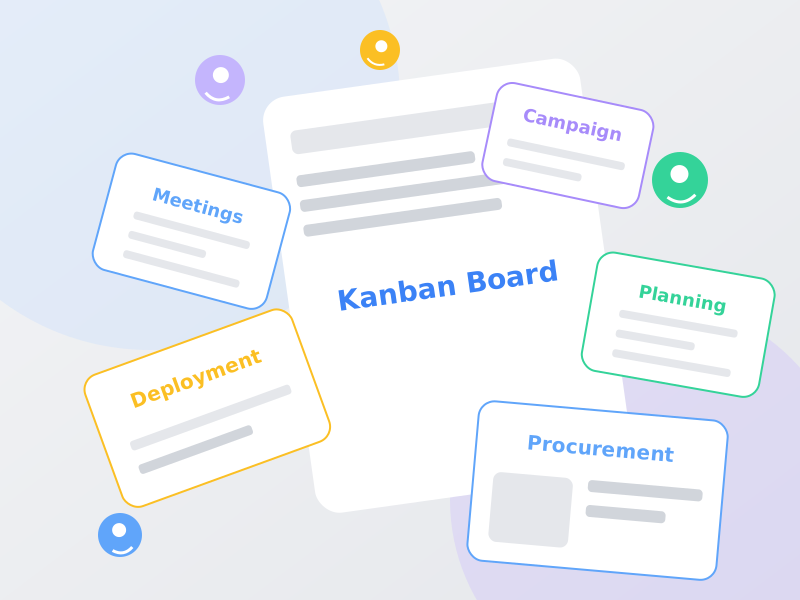
Visualize your workflow with intuitive Kanban boards. Drag and drop tasks, set priorities, and keep your team perfectly aligned.
Collaborative Docs
Create beautiful, rich-text documents and wikis. Keep all your notes, specs, and knowledge organized in one place.
Team Collaboration
Invite your team, assign tasks, and manage permissions effortlessly. Built for seamless collaboration across departments.
File Library
Centralized file storage for all your assets. Upload, organize, and share files with your team securely. Edit documents directly with Google Docs, Sheets, and Slides.
Lightning Fast
Built for speed and performance. Experience instant updates, real-time collaboration, and zero lag.
Secure & Private
Enterprise-grade security with role-based access control. Your data is encrypted and protected at all times.
Edit with Google, Save to BriteWiki
Work seamlessly with Google Docs, Sheets, and Slides directly from your BriteWiki workspace. No more switching between platforms—everything stays organized in one place.
Ready to save?
Changes will sync to BriteWiki
Why You'll Love It
- No file downloads or uploads needed
- Real-time collaboration with Google's powerful editor
- Automatic version control and change tracking
- All files stay organized in your BriteWiki workspace
Works with Your Favorite Google Apps
Google Docs
Documents
Google Sheets
Spreadsheets
Google Slides
Presentations
How It Works
One-Click Editing
Click 'Edit with Google' on any compatible file to open it in Google Docs, Sheets, or Slides.
Make Your Changes
Use the full power of Google's editing tools. All changes are saved automatically to Google Drive.
Save to BriteWiki
When done, click 'Save to BriteWiki' to sync your changes back. Your team always has the latest version.
Simple, transparent pricing for every team
Enjoy unlimited access to all features during BETA. When we launch, choose the plan that's right for you.
Free
Perfect for individuals and small teams just getting started.
Always free
- Up to 5 users per workspace
- Up to 100 workspaces (create or join)
- 5 GB storage per workspace
- Project & task management
- Collaborative documents
- File library
- Google Drive integration (Docs, Sheets, Slides)
- Basic permissions
Pro
For growing teams that need unlimited collaboration and advanced features.
After BETA launch
- Everything in Free, plus:
- Unlimited users per workspace
- Unlimited workspaces
- 5 GB storage per workspace
- Extra storage at $0.10/GB per month
- Google Drive integration (Docs, Sheets, Slides)
- Advanced role-based access control
- Priority email support
- 30-day free trial
Need a custom plan for your enterprise? Contact us
Frequently Asked Questions
Have questions? We've got answers. Can't find what you're looking for? Contact us
Ready to transform how your team works?
Join teams who are already using BriteWiki to organize their work, collaborate seamlessly, and achieve more together.
No credit card required • Free forever plan available